Visualization
Introduction
You can export mufem results to VTK files for further
inspection and visualization in an external post-processor.
Use the mufem.FieldExporter class to export. It takes any
field available through the
CoefficientManager and writes it to
a VTK data collection.
Two post-processors work well with mufem output:
- mufem-Scenes — mufem's own post-processor. Runs directly in the browser; no installation required.
- ParaView — the general-purpose VTK post-processor. Recommended when you need its advanced filters, scripting, or are already familiar with it.
A typical workflow is:
- Get the exporter from the simulation.
- Register the fields you want to export with
add_field_output(). - (Optional) Configure the output order, directory, and event triggers.
- Call
save()manually, or let configured triggers drive saves automatically during the run.
The output is a .vtpc.series data collection that both post-processors
can open directly.
Field Exporter
Getting the exporter
Each simulation owns a single FieldExporter instance, retrieved with:
Adding fields
Register any field available through the CoefficientManager by name:
field_exporter.add_field_output("Cell Volume")
field_exporter.add_field_output("Position")
field_exporter.add_field_output("Electric Field")
add_field_output() only registers the field. mufem writes nothing until
save() runs (manually or through a trigger).
Output order
The output order controls how finely each field is sampled when written. The default is order 1.
Increase it with:
For high-order fields, set the output order to match (or exceed) the field's finite-element order — a lower output order undersamples the field within each cell. For first-order fields, a higher order subdivides each cell for smoother rendering at the cost of larger output files.
You can also supply the same order per call to save() (see below).
Output directory
By default the output is written to the VisualizationOutput/ folder in the
current working directory.
Override with:
Triggers
Instead of calling save() by hand, the exporter can subscribe to simulation
events and save automatically:
field_exporter.set_trigger([
    mufem.Event.Initialization,
    mufem.Event.TimeStep,
    mufem.Event.RunCompletion,
])
Available events:
| Event | Description |
|---|---|
Initialization |
Once after the simulation initializes (initial state ready). |
TimeStep |
At the end of each time step. |
Iteration |
At the end of each inner iteration within a step. |
RunCompletion |
Once after the runner's main loop finishes. |
Triggered saves use the preconfigured order from set_order().
Saving manually
To save the current state on demand, call save():
field_exporter.save()         # uses the preconfigured order
field_exporter.save(order=2)  # overrides the order for this call
Each save() call — whether manual or driven by a trigger — appends a new
frame to the .vtpc.series collection.
Static cases typically call it once; transient or parametric studies let
triggers drive it on every step.
Activation
You can disable a configured exporter temporarily.
While it is inactive, it ignores both manual save() calls and event triggers:
Re-enable with set_active(True).
Example
The script below sets up a minimal simulation with a RefinementModel.
It registers a few of the built-in fields with the exporter.
Then it writes a single VTK snapshot:
import mufem

sim = mufem.Simulation.New(name="My Case", mesh_path="geometry.mesh")

runner = mufem.SteadyRunner(total_iterations=1)
sim.set_runner(runner)

refinement_model = mufem.RefinementModel()
sim.get_model_manager().add_model(refinement_model)

sim.initialize()

field_exporter = sim.get_field_exporter()
field_exporter.add_field_output("Cell Volume")
field_exporter.add_field_output("Position")

field_exporter.save()
After the run, open VisualizationOutput/Output.vtpc.series in any of the
supported post-processors.
Two example renderings from mufem-Scenes are shown below.
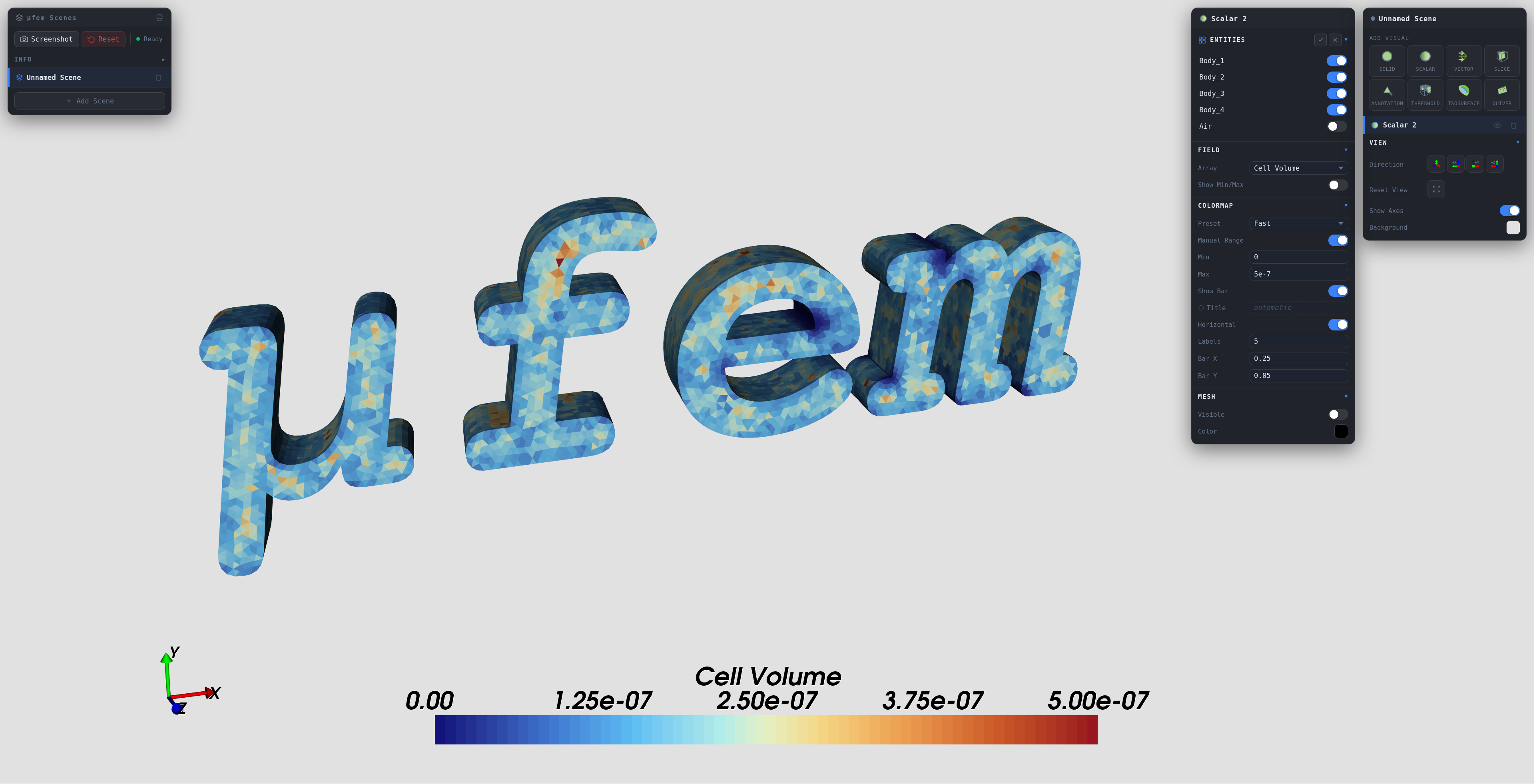
The Cell Volume field shows the distribution of cell sizes in the mesh. It helps you identify refined regions or regions of poor mesh quality. Cell volume is cell-wise constant.
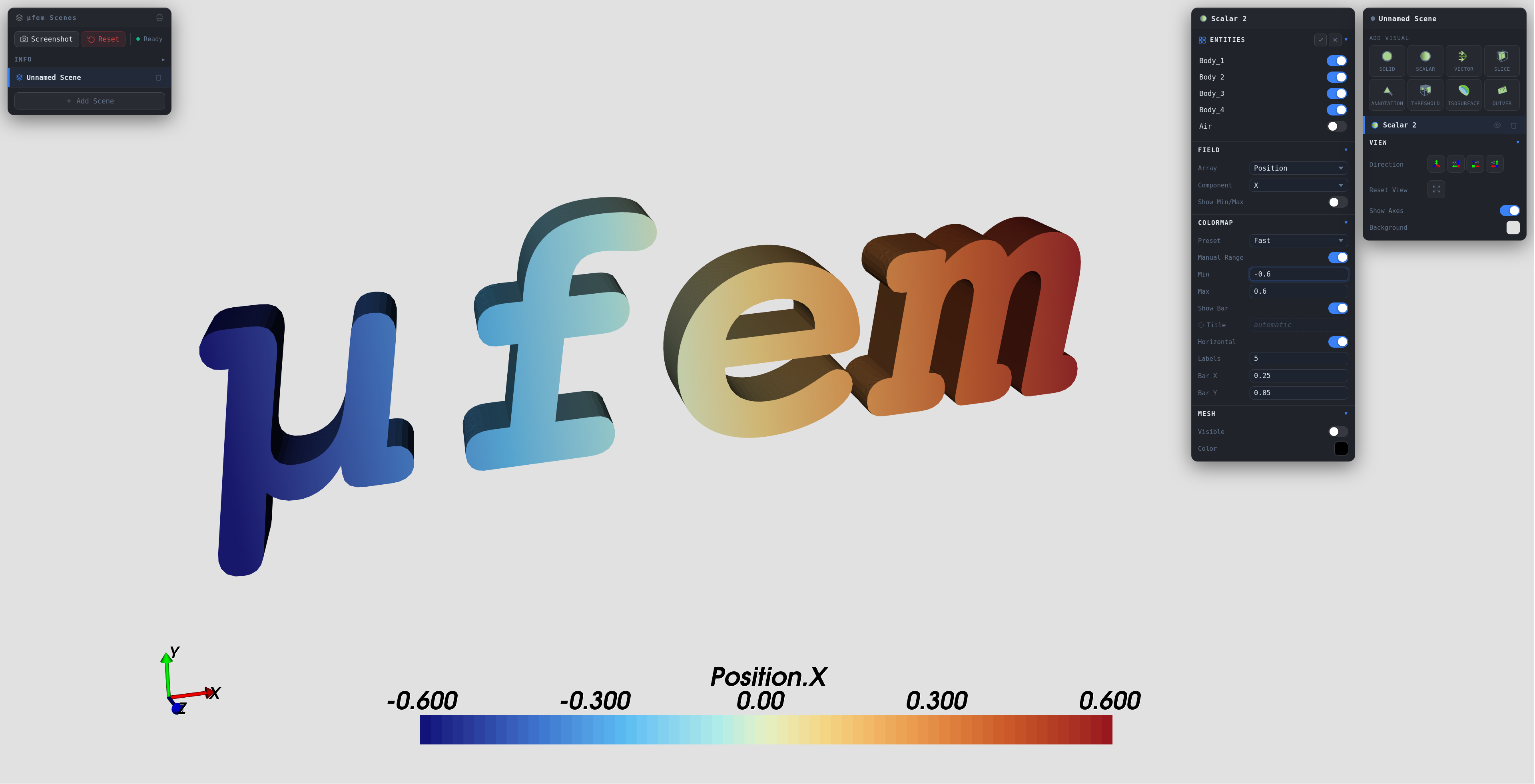
The Position field's x-component varies smoothly across each cell. This shows the field is not cell-wise constant.
Viewing the Output
You can open the Output.vtpc.series data collection from the exporter
in any VTK-compatible post-processor.
The next sections describe two options.
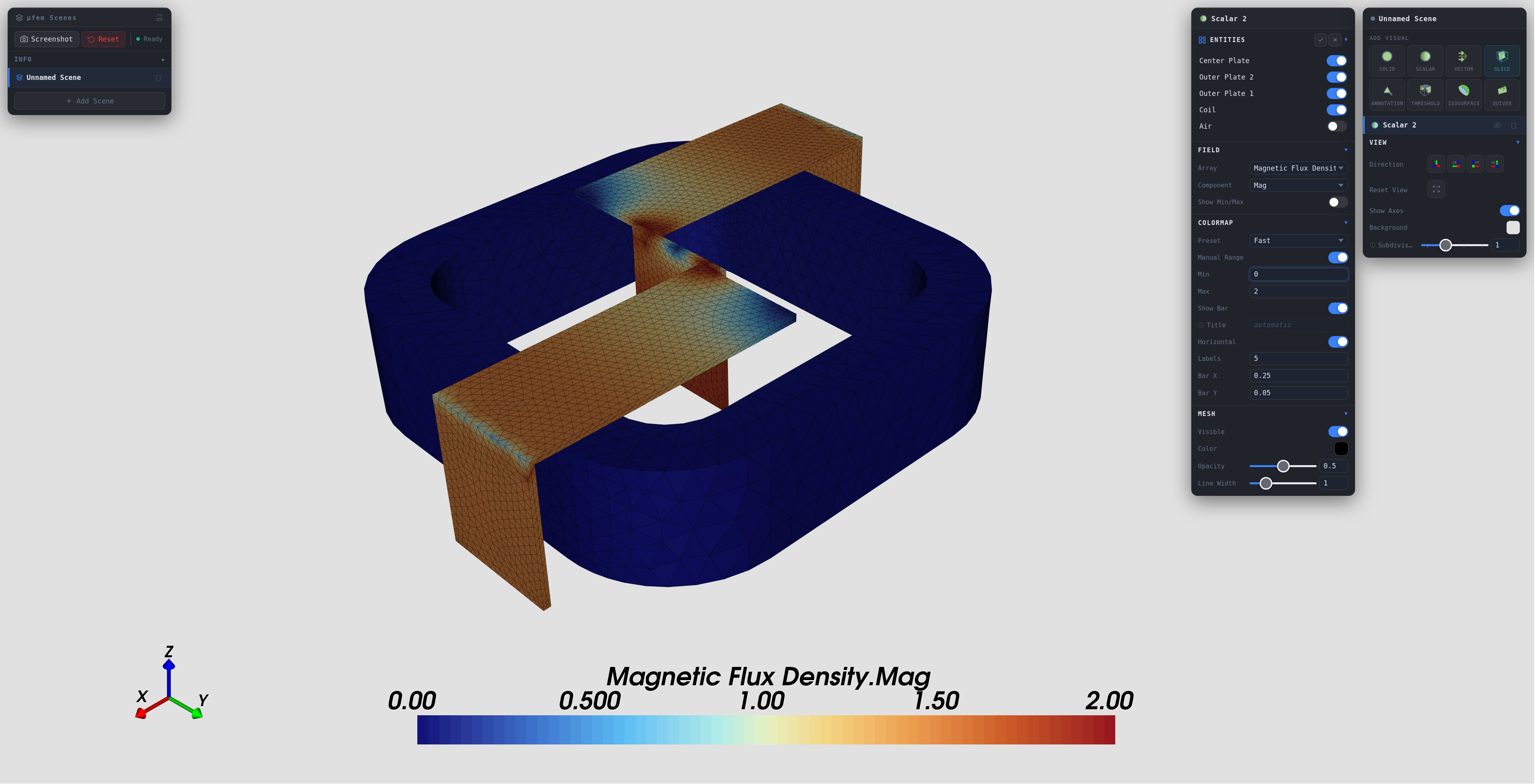
mufem-Scenes
mufem-Scenes is mufem's own
post-processor, available directly in the browser — no installation required.
Open the link and load the Output.vtpc.series file from your output directory
to inspect the exported fields.
ParaView
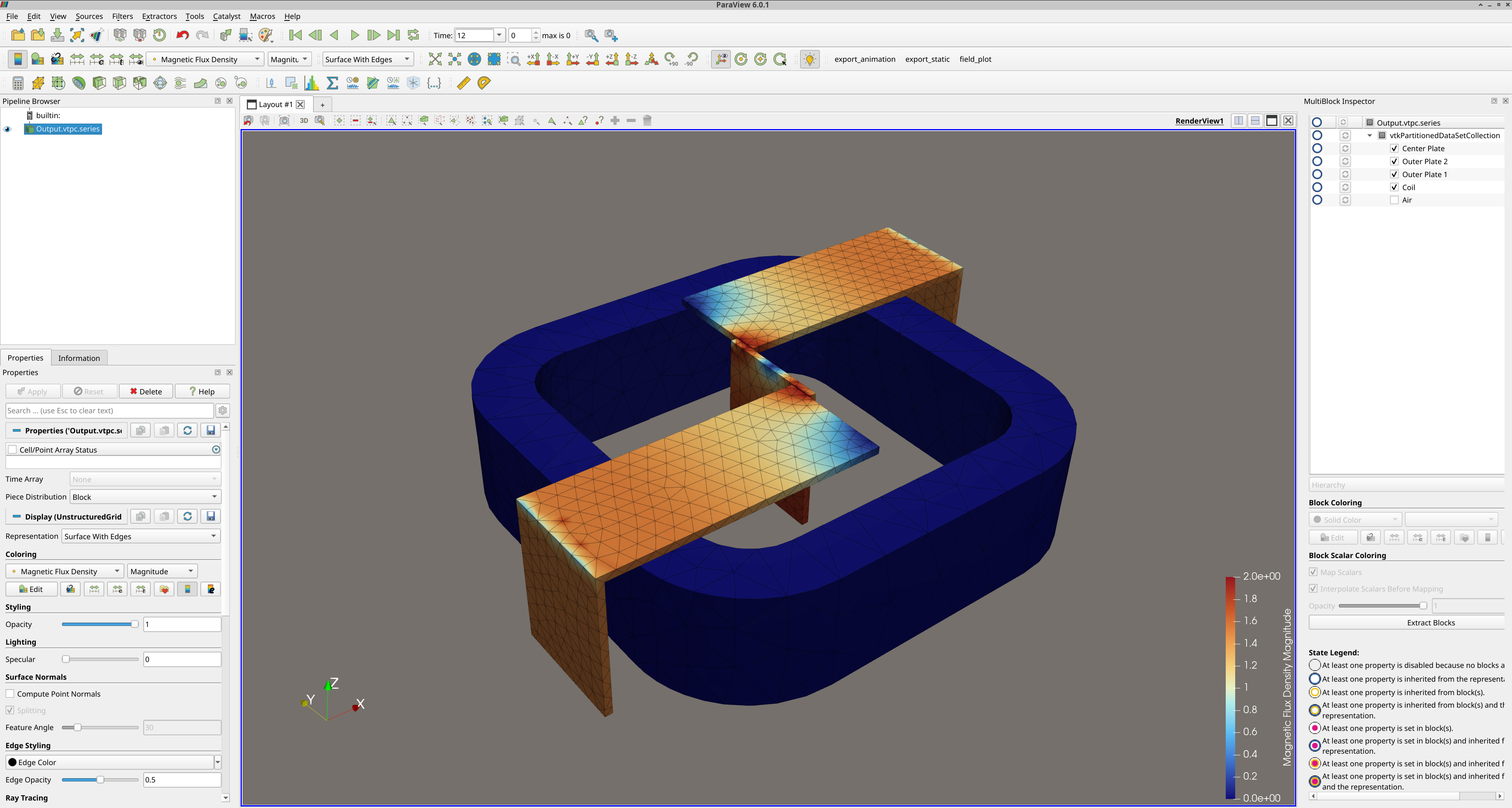
After installing ParaView, open the data collection from a terminal:
or with File → Open from the GUI.